Your favourite apps, in a circle at your pointer
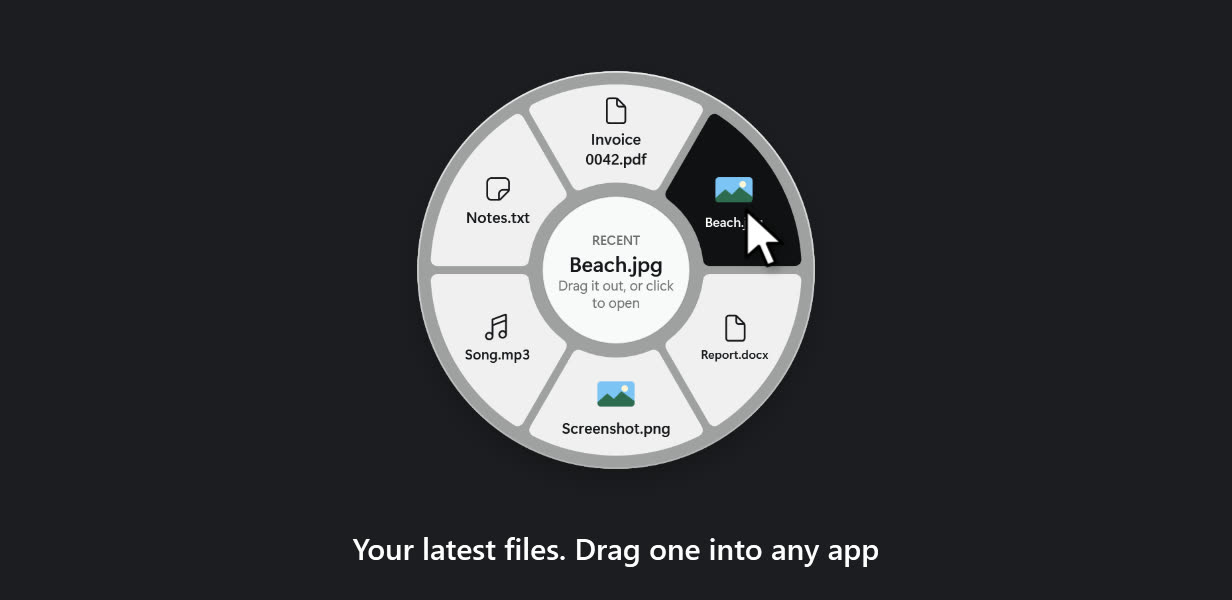
The taskbar fills up and Start is a search away. The Dock puts what you open every day in a circle right where your pointer is: press Ctrl + Alt + D, point, click.
How to use it
- Get OrbitDrop from the Microsoft Store.
- Open Settings › Dock. A short setup helps you add apps, websites and folders, and pick your own key.
- Press Ctrl + Alt + D anywhere. Point at what you want and click.
Apps, websites and folders
Add any installed app, any website (with the site's own icon, opening in your default browser) and any folder. Need more room? A group is one slot that opens a wheel of its own, like all your games.
Scenes, Media and more wheels
- Scenes (Ctrl + Alt + S): Gaming, Work, Study. One key closes what's in the way and opens what you need. Set up a gaming mode.
- Media (Ctrl + Alt + M): play, pause, skip and volume for Spotify, YouTube and other players.
- Quick toggles and Clipboard: Wi-Fi, Bluetooth, dark mode and your mic in one click, and the last 8 things you copied.
Your keys stay yours
OrbitDrop only takes a key once you use its wheel, so Word and Photoshop keep their shortcuts until then. Change any key, or turn one off, in Settings › Keys.
Step by step: Open your favourite apps from one key on Windows.
What it costs
The Dock is part of the OrbitDrop upgrade in the Microsoft Store version: $4.99 once (or the same in your currency), no subscription. You can try it free for a day first. Converting, compressing and merging files stay free.
Questions
Does it slow my PC down?
No. OrbitDrop waits in the notification area and only wakes up when you press its keys.
Can I use a mouse button?
Yes. Any key works, or a side button on your mouse. See mouse side buttons.