A file converter that never uploads your files
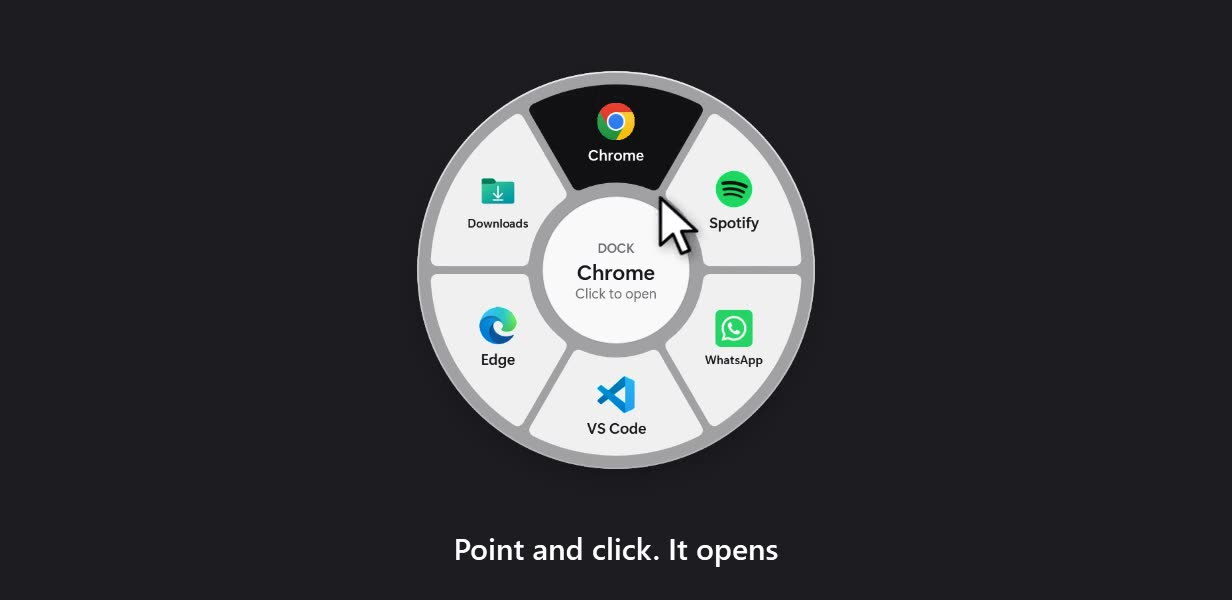
OrbitDrop converts files right where they are, in File Explorer or on your desktop. Drag a file, tap Shift, and let go on the format you want. Nothing goes to a website, so it works offline and your files stay yours.
How to use it
- Get OrbitDrop, free on the Microsoft Store.
- Start dragging a file and, while you're still holding it, tap Shift. A wheel opens under your pointer.
- Let go on a format. The new file is saved right next to the original. Selected 200 files? Drag them together and they're all converted.
What it converts
- Images: JPG, PNG, WebP, JFIF, GIF, BMP, TIFF and SVG, plus PDF. It also reads HEIC, AVIF, JPEG XL and RAW photos when Windows has the codec.
- PDF: images to PDF, PDF to PNG or JPG, merge, split, compress and rotate pages.
- Video: MP4, WMV and GIF, and the sound out as MP3, M4A, WAV, WMA or FLAC.
- Audio: MP3, M4A, WAV, WMA and FLAC. Compress, normalize, mono or stereo.
- Documents: Word, Excel and PowerPoint to PDF (with Office or LibreOffice), and CorelDRAW files built in.
- Archives: ZIP, TAR, TAR.GZ and GZ. Zip anything, or extract it right there.
Compress and merge too
The same wheel makes a photo small enough for an upload form, shrinks a video for WhatsApp or email, and turns several PDFs or photos into one PDF. No app to open, no website to upload to.
Prefer a key?
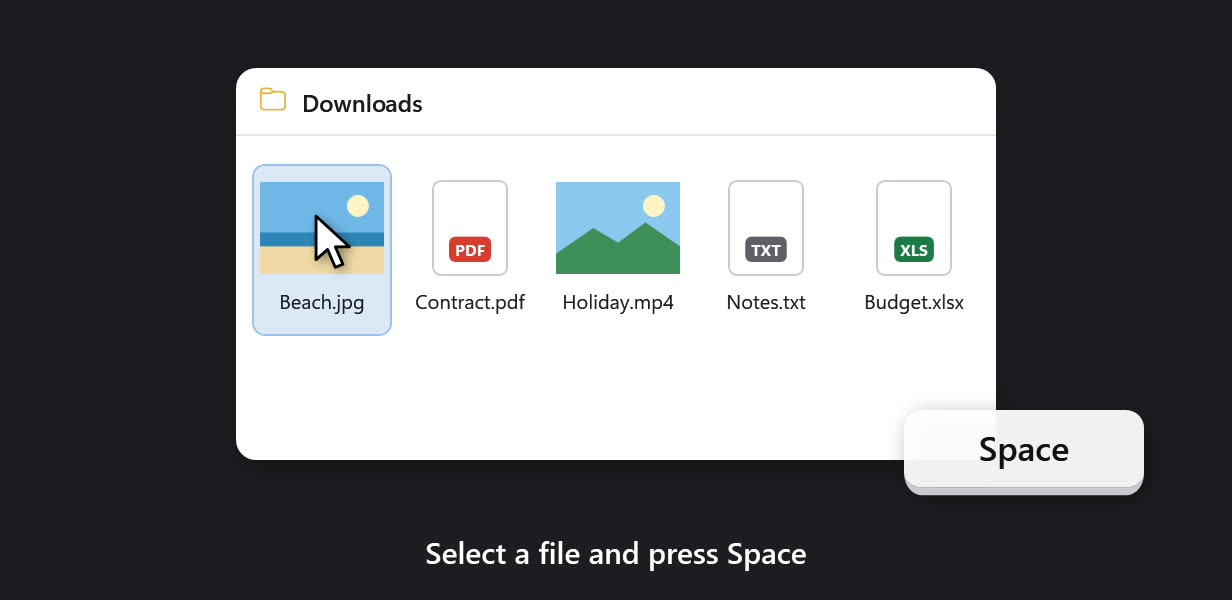
Select a file and press Ctrl + Alt + Space: the same wheel opens. It can be a side button on your mouse instead.
What it costs
Free. Converting, compressing and merging are free, and so is the open-source version on GitHub. Extra tools like background removal and Peek are part of an optional upgrade.
Questions
Does OrbitDrop upload my files?
No. Every conversion runs on your PC, so it works offline and nothing leaves your computer.
Does it work on Windows 10?
Yes, on Windows 10 (version 2004 or later) and Windows 11.
Can it convert many files at once?
Yes. Select them all, drag them together and tap Shift. They're all converted, each next to its original.
Why can't it open my HEIC photos?
Windows needs Microsoft's free HEIF extension for those. OrbitDrop tells you when it's missing and opens it in the Store. See the HEIC guide.