Your latest files, one key away
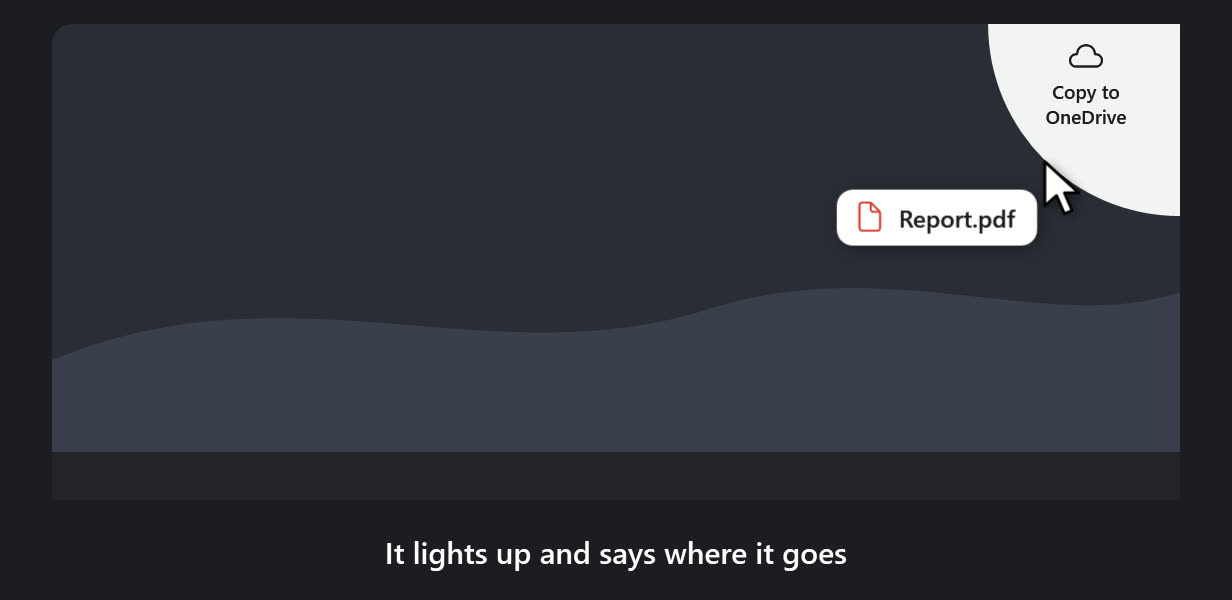
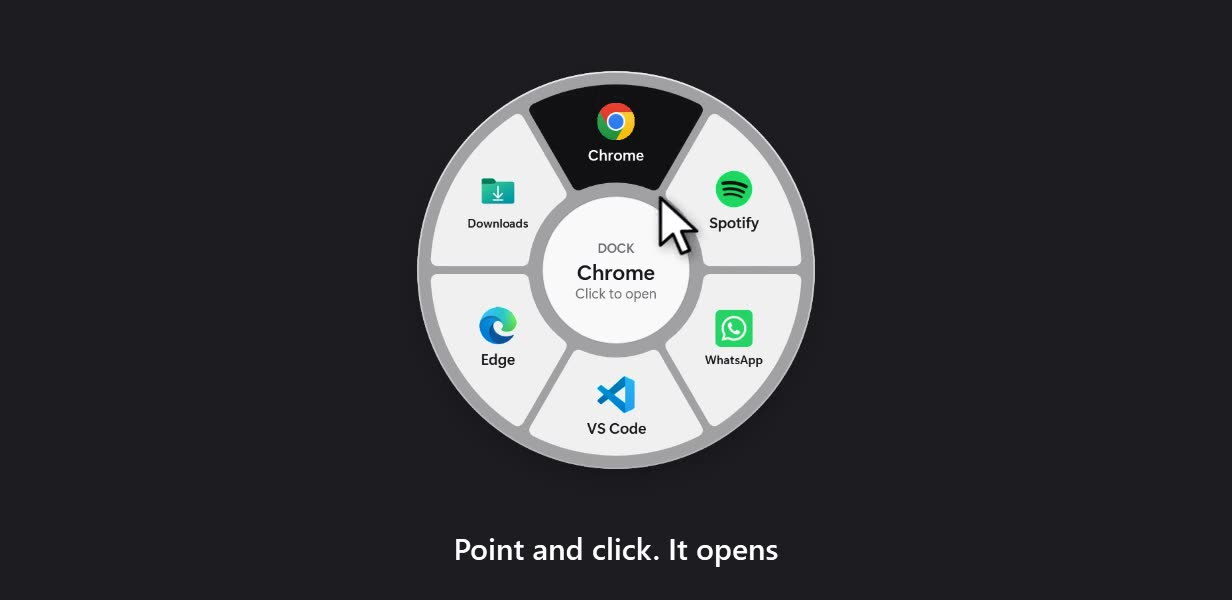
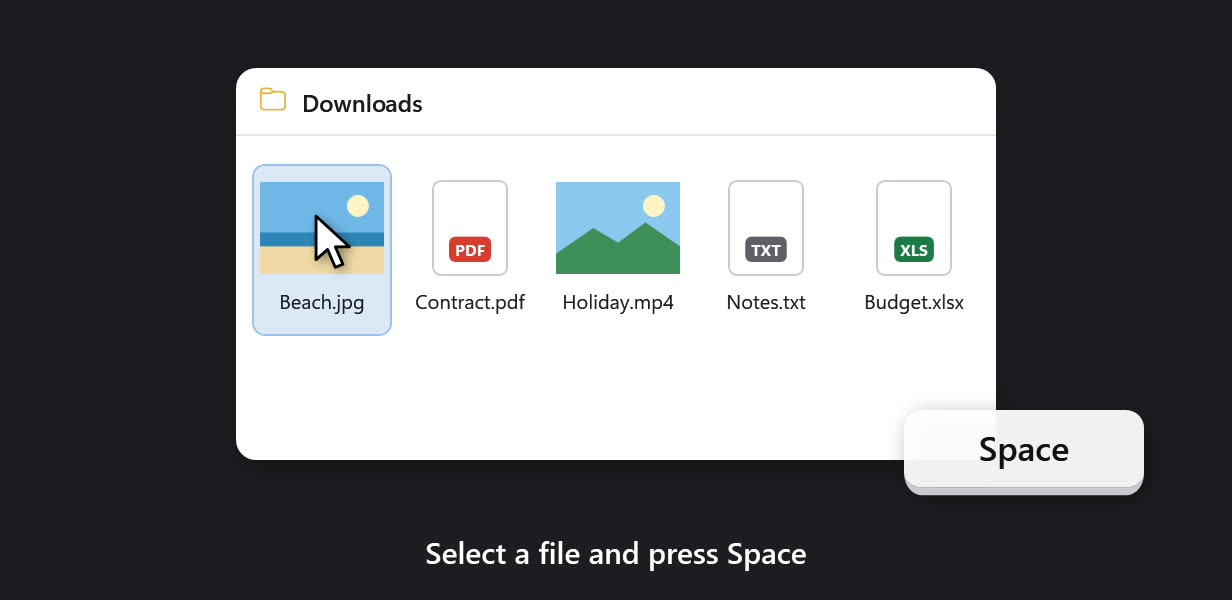
You just downloaded something, and now you need it in an email. Press Ctrl + Alt + R anywhere: the last 8 files you saved or downloaded appear in a wheel at your pointer. Drag one straight into Discord, Gmail, Word or a folder, or click it to open it.
How to use it
- Get OrbitDrop from the Microsoft Store.
- Open Settings › Wheels and turn on Recent files.
- Press Ctrl + Alt + R anywhere. Drag a file out of the wheel into any app, or click it to open it.
No more digging through Downloads
Attaching the file you just saved usually means a file picker, then Downloads, then scrolling. With Recent files it's one key and one drag, into a chat, an email, a form or another folder.
Change the key
Settings › Keys lists every OrbitDrop key. Change Recent files to anything you like, or a side button on your mouse.
What it costs
Recent files is part of the OrbitDrop upgrade in the Microsoft Store version: $4.99 once (or the same in your currency), no subscription. You can try it free for a day first. Converting, compressing and merging files stay free.
Questions
Does it send my file list anywhere?
No. It only looks at files on your PC, and nothing leaves it.
Which apps can I drag into?
Any app that accepts a dropped file: Discord, WhatsApp, Gmail in your browser, Word, Photoshop, a File Explorer folder and more.