Press Space to preview any file on Windows
Mac users have had Quick Look since 2007: select a file, press Space, and it opens right there. Peek brings that to Windows. Select a file in File Explorer or on your desktop, press Space, and a big preview grows out of it. No app to open, nothing to wait for.
How to use it
- Get OrbitDrop from the Microsoft Store.
- Open Settings › Peek and turn on Peek with Space.
- Select a file in File Explorer or on your desktop and press Space. Press Space or Esc to close it.
What it shows
- Photos, videos and music: they show and play right away.
- PDFs: scroll through the pages.
- Text and code: read it without opening an editor.
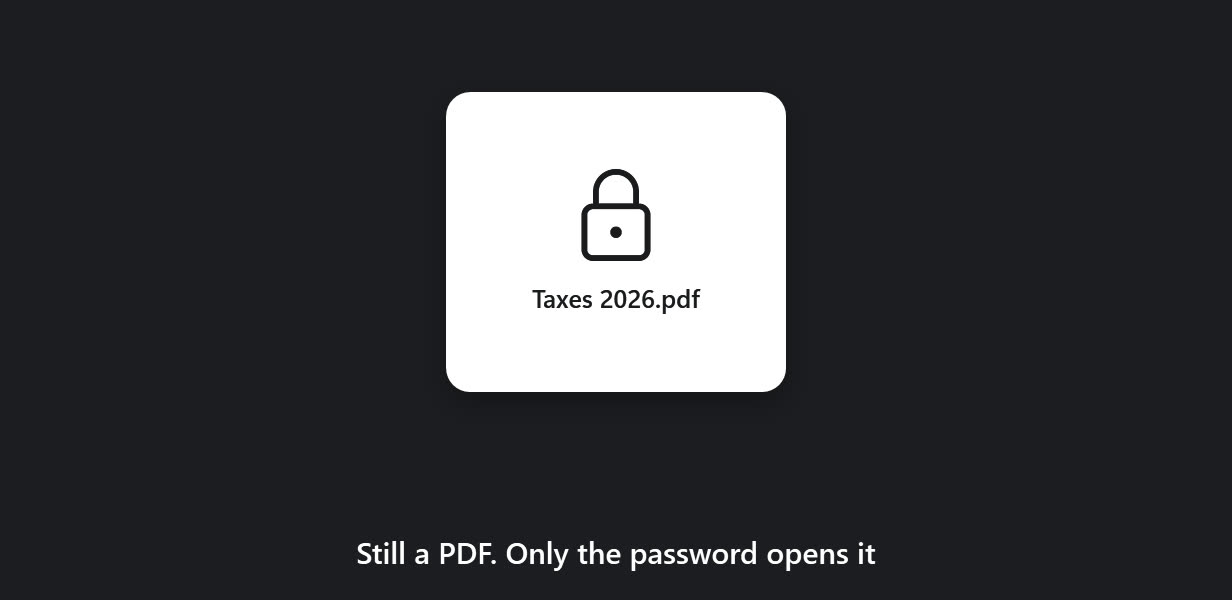
- ZIPs: see what's inside without extracting anything.
- Fonts and folders: a font's letters, a folder's contents.
- Anything else: Windows' own preview of it, with its details.
Go through a whole folder
Press ← and → for the previous and next file. With several files selected, the arrows go through just those. Found the one you want? Open opens it in its usual app.
It stays out of your way
Space only opens Peek in File Explorer's list of files and on the desktop, never while you type or rename a file. It works in Home, Gallery and Recent too, and you can change the key in Settings › Keys.
Step by step: How to preview files without opening them on Windows.
What it costs
Peek is part of the OrbitDrop upgrade in the Microsoft Store version: $4.99 once (or the same in your currency), no subscription. You can try it free for a day first. Converting, compressing and merging files stay free.
Questions
Doesn't Windows have this already?
File Explorer has a preview pane (Alt + P) that shows some files in a narrow column. Peek is a big preview you open and close with Space, it goes through the folder with the arrow keys, and it shows ZIPs, fonts and code too.
Does it clash with PowerToys Peek?
No. PowerToys uses Ctrl + Space, OrbitDrop uses Space, so both can be on.
Will Space still work when I rename a file?
Yes. While you type or rename, Space is just a space.
Does it upload anything?
No. Previews are made on your PC.